A few minutes, every day
Short guided practice sessions that fit between school and play — building focus one sunrise at a time.
The Art of Living presents
Where focus and intuition grow.
IP Kids App is the daily practice companion for Intuition Process students — a few gentle minutes a day to sharpen focus, calm the mind, and learn to trust your inner voice.


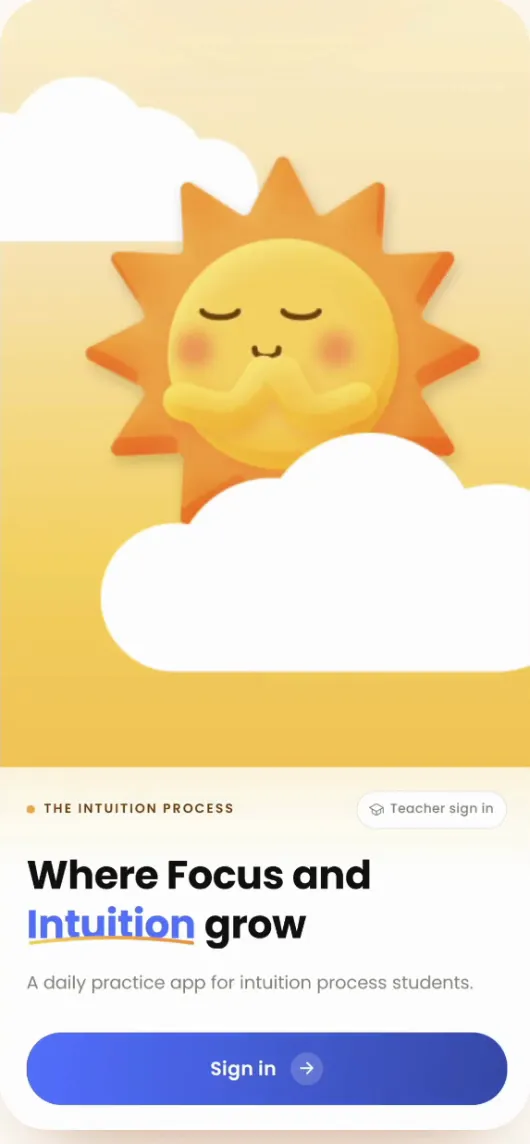
Short guided practice sessions that fit between school and play — building focus one sunrise at a time.
Join live follow-up sessions with mentoring teachers right inside the app — with friendly reminders so you never miss one.
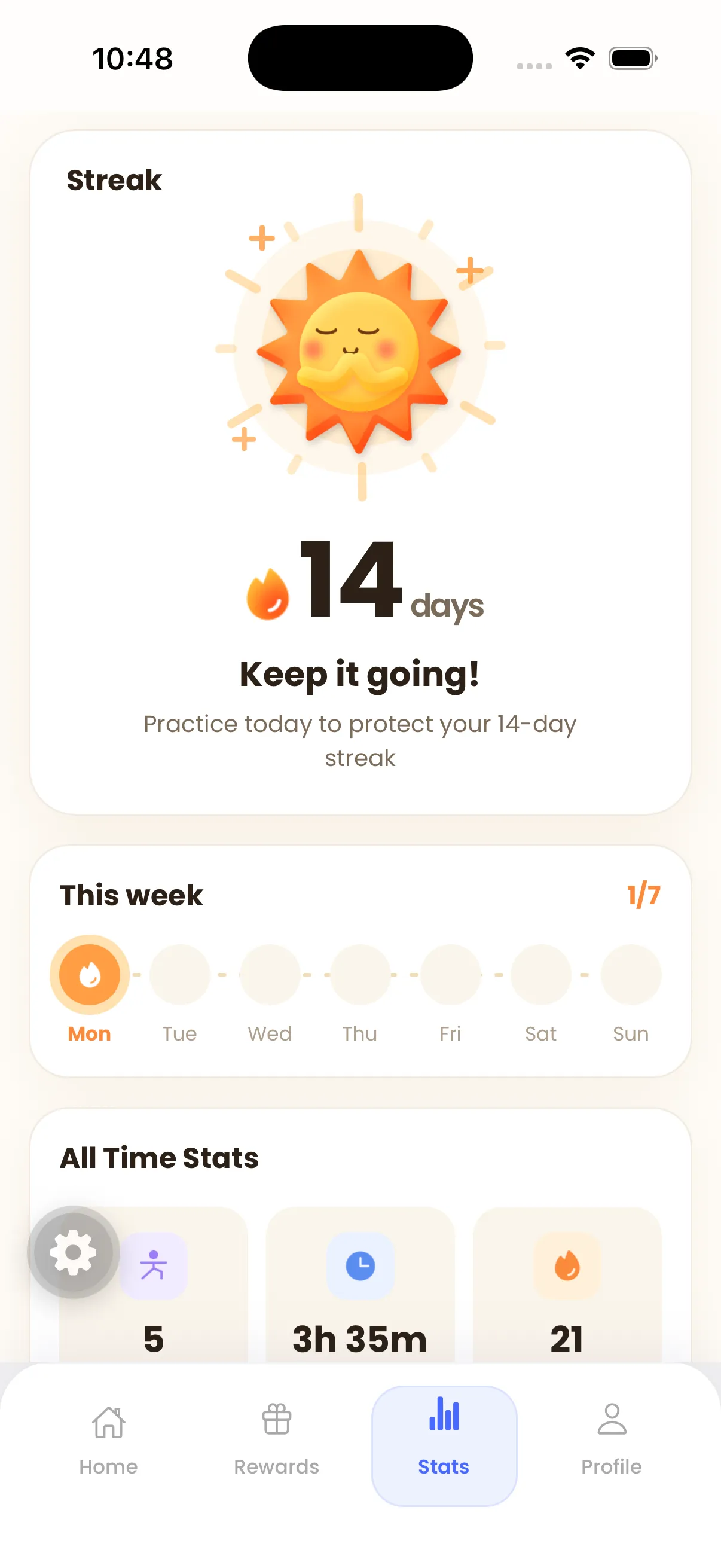
Practice streaks and milestones in one place — quiet proof of how far you've come.
Fun rewards and challenges tuned to your age group, so practicing feels like play — never homework.
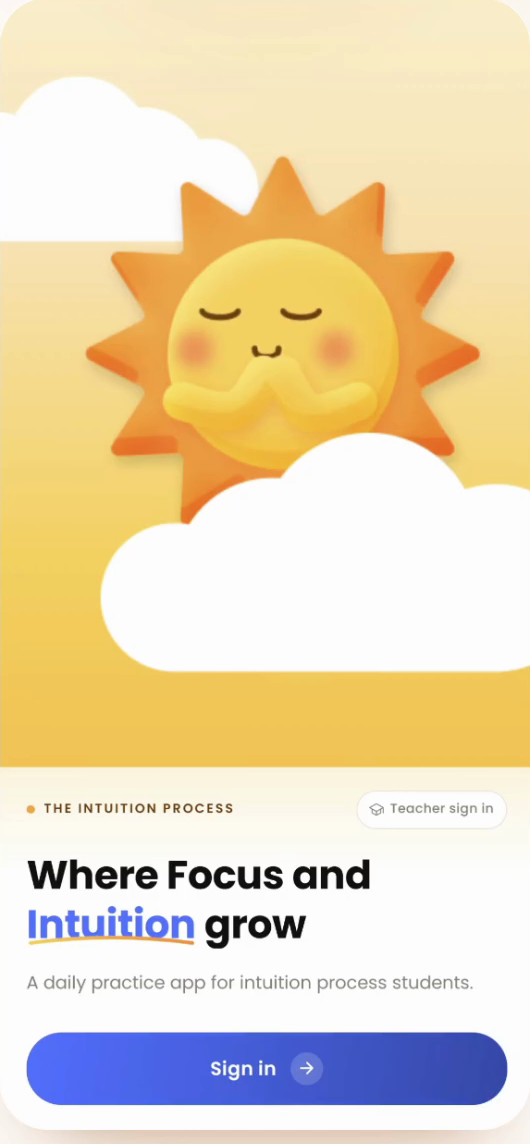
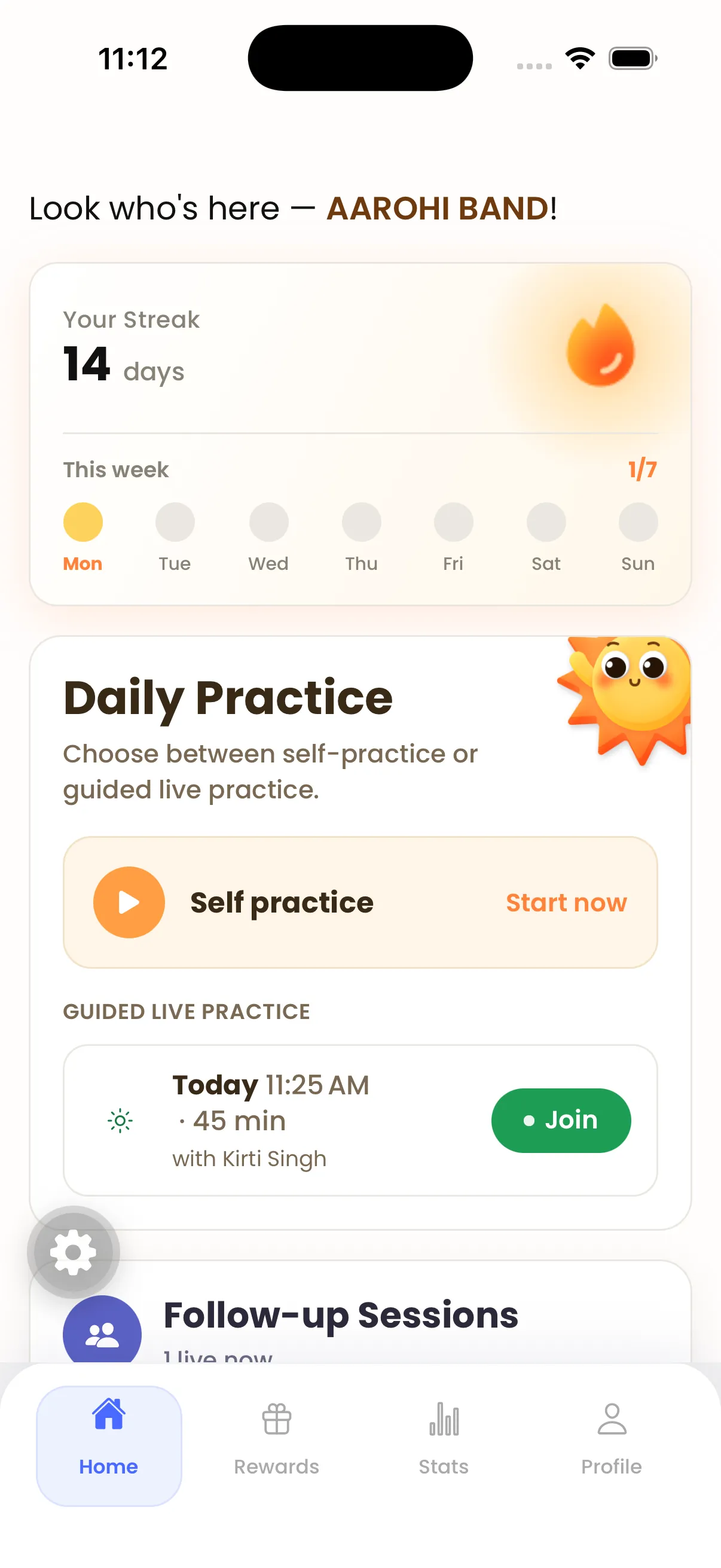
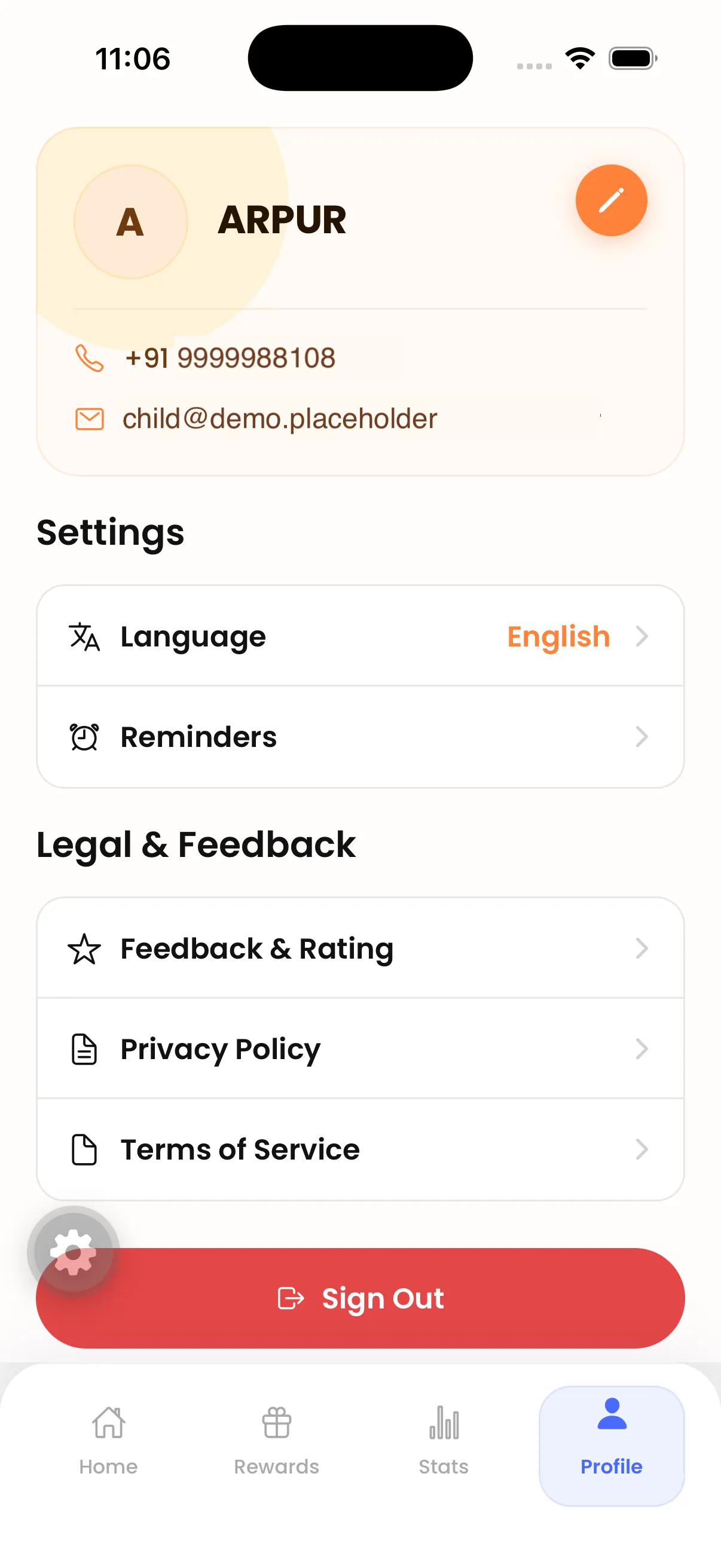
IP Kids App is made for students of the Art of Living Intuition Process program (ages 5–18). New to the program? Learn about the Intuition Process.
Get it from the App Store on iPhone or Google Play on Android — the badges above take you there.
A one-time password (OTP) keeps sign-in simple and safe. Login activates within 45 minutes of program registration.
Students of the Art of Living Intuition Process program, ages 5 to 18. It's their daily practice companion during and after the program.
No — parents and children share the child's login, using the mobile number given at registration.
The app works on one device at a time. Signing in on a new device signs the previous one out.
Login activates within 45 minutes of program registration.
The app uses secure mobile-number and one-time-password (OTP) sign-in — no passwords for kids to remember or lose. See our Privacy Policy for details.